Most articles about WhatsApp marketing software follow the same formula: a numbered list of tools, a comparison table nobody finishes, and a conclusion that recommends whatever the author sells.
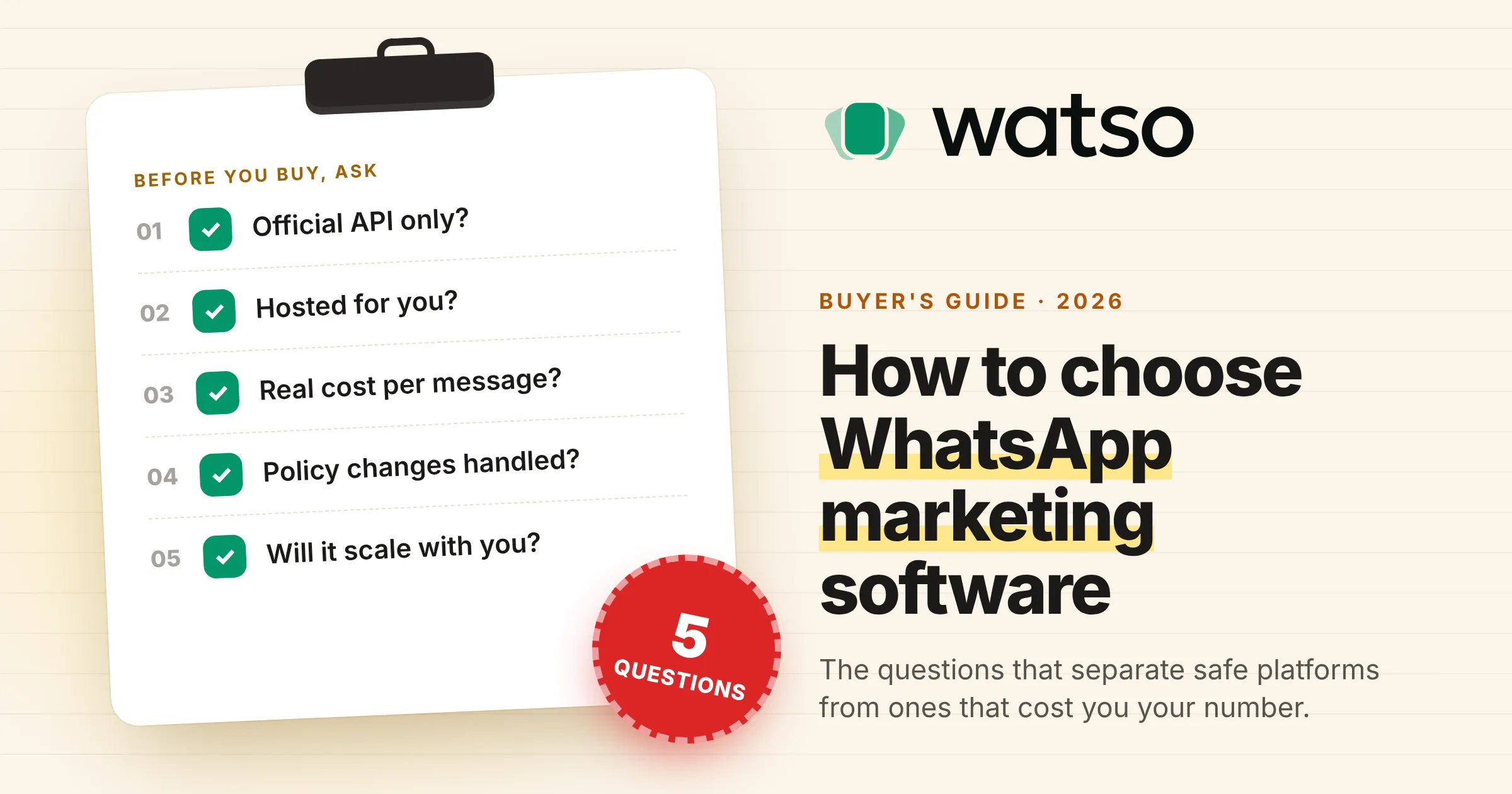
This one is different. It’s a buyer’s guide built around five questions to ask any vendor before you commit. They aren’t about the features everyone leads with. They’re about the things that trip businesses up after they’ve already signed up: banned numbers, servers to babysit, surprise message costs, policy changes and tools that stop working as you grow.
Why choosing the right WhatsApp marketing software matters
WhatsApp has more than 3 billion monthly users, and for a lot of customers it’s now the first place they go to ask a business a question. Messages land in the same app people use to talk to friends and family, so they get seen in a way email and SMS rarely do.
That reach is exactly why the market for WhatsApp marketing tools is so crowded and so uneven. Some platforms are excellent. Some are fine until you try to run a real campaign. And some will get your phone number permanently banned. The wrong choice can cost far more than the subscription.
1. Does it use the official WhatsApp Business API, and only that?
This is the most important question, and most buyers ask it too late.
WhatsApp marketing tools fall into two groups:
- Official API platforms connect to Meta’s WhatsApp Cloud API, the infrastructure Meta built for business messaging at scale. You verify your business, send approved templates, and Meta charges per delivered message.
- Unofficial tools connect your number by scanning a QR code and automating a WhatsApp Web session to send messages. They’re cheaper and quicker to set up, and they break WhatsApp’s terms of service.
WhatsApp actively detects and bans automated accounts. In September 2024 alone it banned about 8.5 million accounts in India, according to its own monthly safety report. When a number is banned, the chat history and the number your customers know usually go with it.
Ask the vendor: “Is your platform built exclusively on the official WhatsApp Business API?” If they hedge, mention an “unofficial mode” for some markets, or offer a cheaper QR-code tier, keep looking.
2. Is it real cloud software, or a script you host yourself?
A lot of WhatsApp marketing tools, especially on code marketplaces, are scripts you download and install on your own server. They’re often sold as “SaaS platforms”, but the hosting, updates and uptime are all yours.
Running one means provisioning a server, configuring SSL, queues and background processes, keeping a Node.js service alive for WhatsApp sessions, and managing backups. When something crashes overnight, your campaigns stop until someone fixes it. When Meta changes the API, you wait for the author to release an update and then install it yourself.
That’s manageable for a developer with time to spare. For a marketing team, an agency or a small business, it turns every server problem into a marketing problem.
Real cloud software means the vendor handles hosting, security, updates and API changes. You sign up, connect your WhatsApp number and start sending.
Ask the vendor: “Is this hosted software I log in to, or code I install on my own server?” If the setup guide mentions a VPS, cPanel or a command line, it’s self-hosted, whatever the sales page says.
3. What will it really cost each month, including Meta’s message fees?
WhatsApp marketing has two layers of cost, and most pricing pages only show you the first.
- The platform fee: the monthly or yearly subscription you pay the software company.
- Meta’s message fees: since July 2025, Meta charges per delivered message, with the price set by the message category (marketing, utility, authentication or service) and the recipient’s country.
Some platforms pass Meta’s fees through at cost, or let you pay Meta directly. Others add a percentage on top, or sell message credits at their own price. At low volume the difference is small. At tens of thousands of messages a month it adds up fast.
For scale: a marketing message costs $0.025 to a North American number and $0.1365 to a German one at Meta’s October 2026 rates. Since 1 October 2026, service replies inside the 24-hour window are charged too. Our WhatsApp Business API pricing guide has the full breakdown and a worked monthly example.
Ask the vendor: “Do you add any markup to Meta’s message fees? Do I pay Meta directly or through you?” Get a specific answer in writing. If you can’t, assume the markup isn’t small.
4. How does it handle WhatsApp policy changes?
Meta changes the WhatsApp Business Platform more often than most businesses realise, and the changes can be big:
- April 2025: Meta paused delivery of marketing templates to US (+1) phone numbers.
- July 2025: billing moved from 24-hour conversations to individual messages.
- January 2026: new WhatsApp Business Solution terms barred general-purpose AI assistants, such as ChatGPT-style chatbots, from distributing through the API. Businesses using AI to serve their own customers are still allowed.
- October 2026: service replies and utility messages inside the customer service window started being charged.
Each change broke assumptions for businesses that weren’t ready. A good platform keeps up with these changes for you, and helps you stay compliant day to day. In practice, that means showing your number’s quality rating and each template’s approval status inside the product, handling marketing opt-outs automatically, and explaining clearly when Meta changes something that affects your campaigns.
Ask the vendor: “How do you handle WhatsApp policy changes? Can I see my number’s quality rating and template status inside your platform?”
5. Will it scale with your business?
Buy for where you’re going, not just where you are. A tool that works for 500 contacts and one phone number may struggle with 50,000 contacts, several numbers and a growing team, or force you into a plan that doubles your bill.
Check these before you commit:
- Team inbox: can several people share one WhatsApp number, with chats assigned to the right person?
- Segmentation: can you segment contacts by tags, behaviour and history, or only by static lists?
- Automation: are workflows genuinely conditional (if they click this, send that; if no reply in a day, follow up), or just keyword auto-replies? Can AI answer common questions?
- Integrations: does it connect to your store, CRM or booking system, or offer webhooks and an API?
- Analytics: do you get trends over time and campaign comparisons, or just delivery counts?
- Multiple brands or clients: if you’re an agency, can each client have an isolated workspace with its own numbers, contacts and reports?
- Your data: can you export your contacts and history if you leave?
Growth also depends on your messaging limit. New accounts can start conversations with 250 people a day, rising automatically as quality stays high. Our guide to sending bulk WhatsApp messages without getting banned explains how the tiers work.
Ask the vendor: “How does the platform handle more numbers, more team members and more contacts? What does pricing look like as we grow?”
A quick checklist for comparing WhatsApp marketing software
| Question | Good answer | Warning sign |
|---|---|---|
| Which WhatsApp connection? | Official Cloud API only | QR code or “unofficial mode” |
| Who runs the servers? | The vendor | You, on your own VPS |
| What do messages cost? | Meta’s rates at cost, in writing | Vague answers or message credits |
| Policy changes? | Handled for you, with quality ratings visible | You find out when a campaign fails |
| Room to grow? | Team inbox, segments, workflows, integrations | Per-feature upsells at every step |
What good WhatsApp marketing software looks like
Once a platform passes the five questions, compare how well it does the work: a shared inbox your team actually enjoys using, broadcasts to segments rather than everyone, automation that follows up without you, rich templates with buttons and personalisation, and reports that tie messages to replies and sales. Quick, human support matters too, because when a template gets rejected the day before a launch, you need an answer in hours, not days.
How Watso answers the five questions
Watso is WhatsApp marketing software for businesses, agencies and people building their own WhatsApp SaaS.
- Official API only. Watso connects exclusively to Meta’s WhatsApp Cloud API. No QR codes or unofficial sessions.
- Hosted for you. We run, secure and update the platform. There’s nothing to install.
- Meta’s fees, from Meta. Each business connects its own WhatsApp Business Account, so Meta bills message fees to that account directly. Watso doesn’t resell messages.
- Compliance in view. Template approval status and your number’s quality rating are visible in the app, and customers who tap “Stop promotions” are left out of future marketing automatically.
- Built to grow. A shared team inbox, AI agents, workflows, segments, broadcasts and analytics, plus isolated workspaces and full white-label branding for agencies and resellers.
The short version
Before you choose WhatsApp marketing software, ask five questions. Is it official API only? Is it genuinely hosted for you? What will messages really cost? How does it handle policy changes? Will it scale with you? Most tools struggle with at least two. The ones that answer all five clearly are worth your money.
Comparing WhatsApp marketing software? See how Watso answers all five questions. Try the live demo or get started.